
Request a demo
Want to know more, or see how Aidos can help your school? Send us a message using the form below and a member of our team will be in touch.
See how Aidos protects student identities

Simple
Step-by-step Process
01
Sign up
Create an account via the free trial link using your school email and 12+ character password, then confirm through your inbox.
02
Try Aidos for free
After signing in, protect up to 15 images free in one project—no obligation. Use all 15 to experience Aidos fully.
03
Upload your images
Create a project, add a title like “Sports Day,” then upload images.
04
We’ll notify you
You’ll get an email when images are ready—click the link to download them whenever you’re ready.
05
Download your protected images
Free-trial downloads include a small watermark on processed images. Not happy with an image? Reprocess or refine it.
06
Continue using Aidos
Choose the subscription that suits your needs; we’ll contact you to arrange PO, payment, support. Subscribed images are watermark-free.
Free Reprocessing & Refining for Complete Peace of Mind
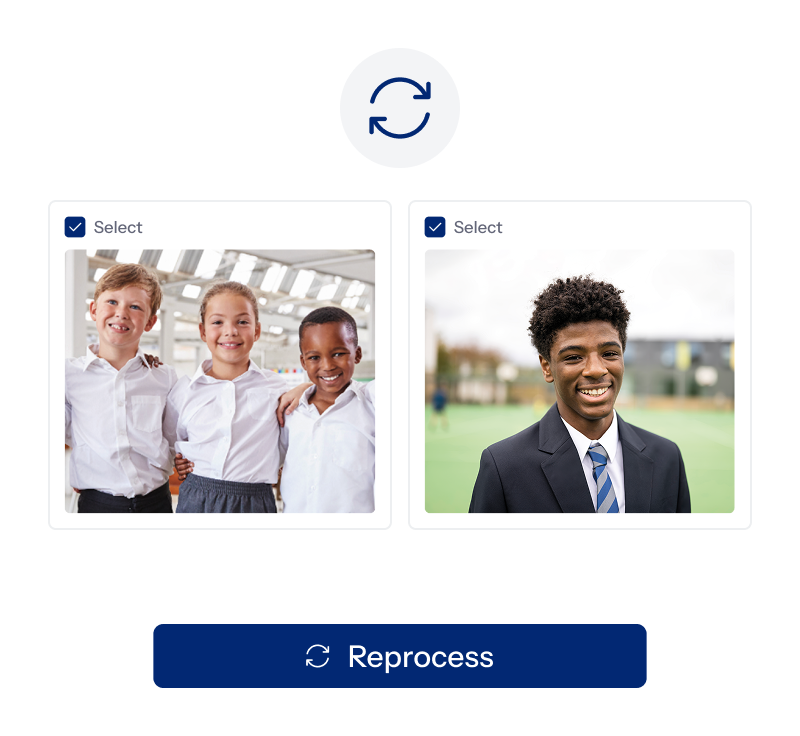
Reprocessing
If you choose the reprocessing option AI will make a new selection for you.

Refining
If you decide you would like more input click on the image you would like to change and click the button that says refine, this will allow you to check and input sex, ethnicity and age.
Please note
- Reprocessing and refining does not use your image allowance
- Images can be reprocessed or refined multiple times
- Reprocess and refine all images, or only selected ones
How it works
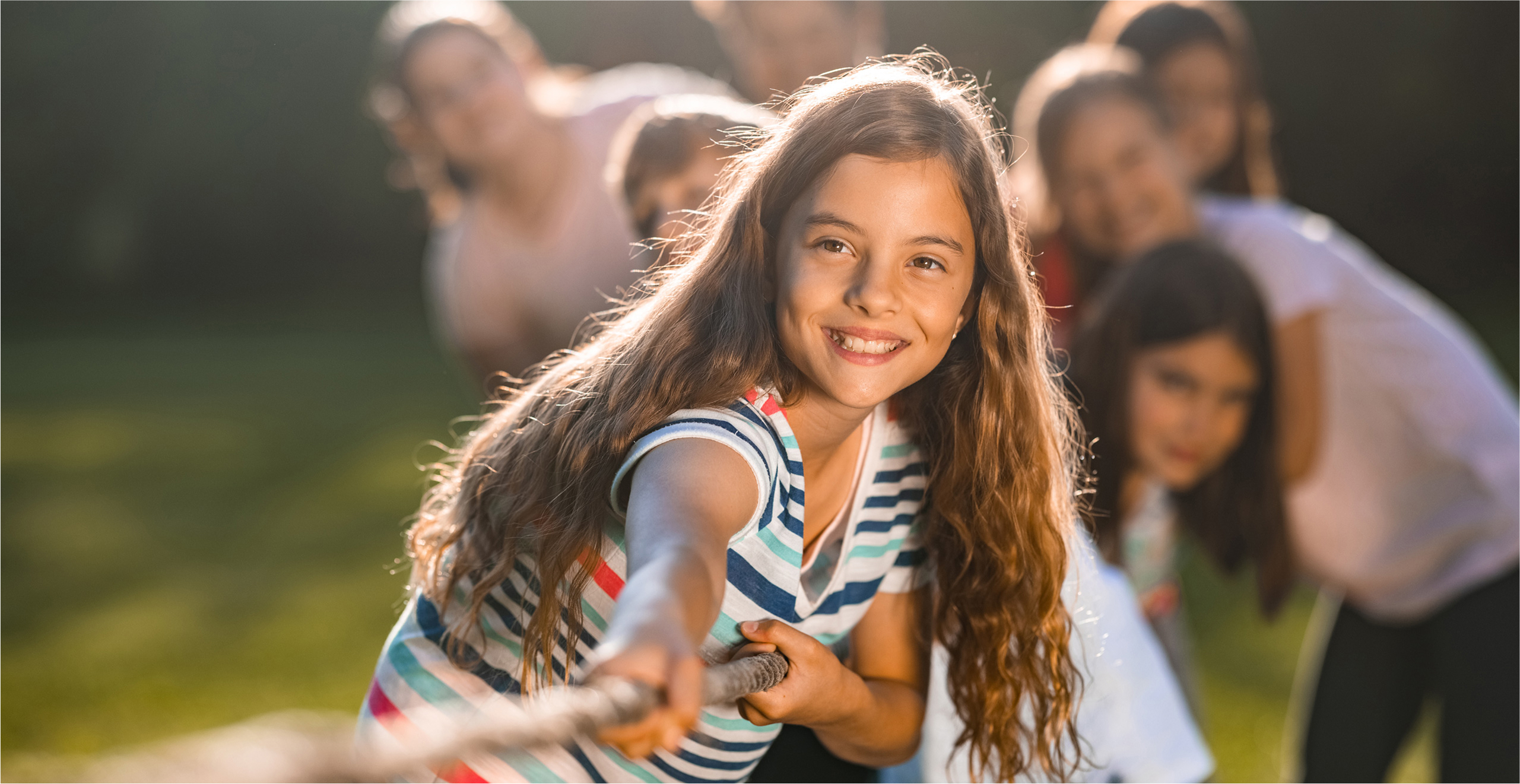
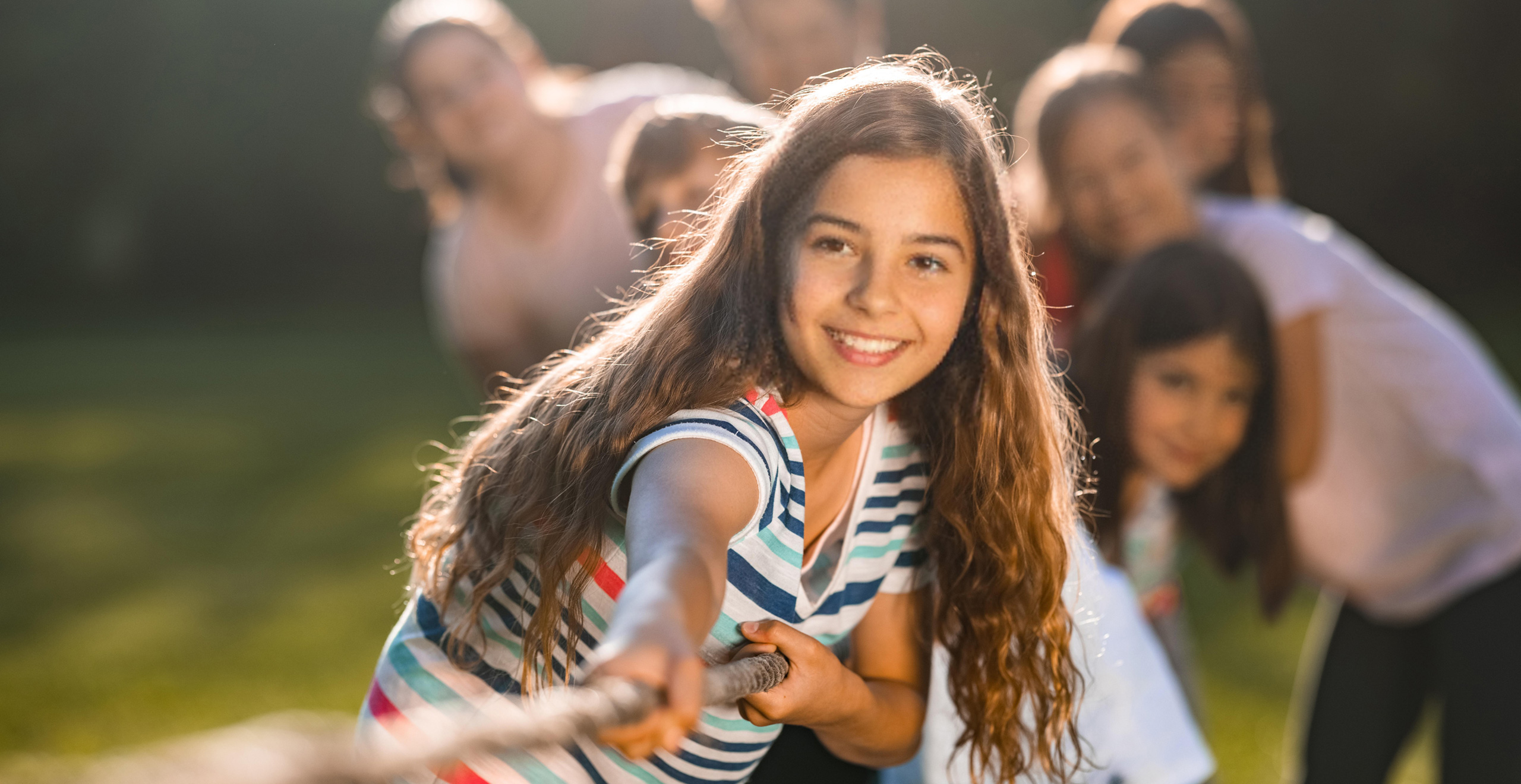
AI scans the original image and generates a version where the student’s face is anonymised — meaning no child can ever be identified as the one in the photo. Context, uniforms, and expressions remain, but the link to any real child is broken.
This removes the risk of images being turned into harmful content, blackmail material, or reputational threats.
Advanced Security, Simple Safeguarding
All processing is done with strong encryption, strict access controls, and GDPR-compliant data deletion. Anonymisation means even if photos are stolen or scraped, no child can be linked to the image.
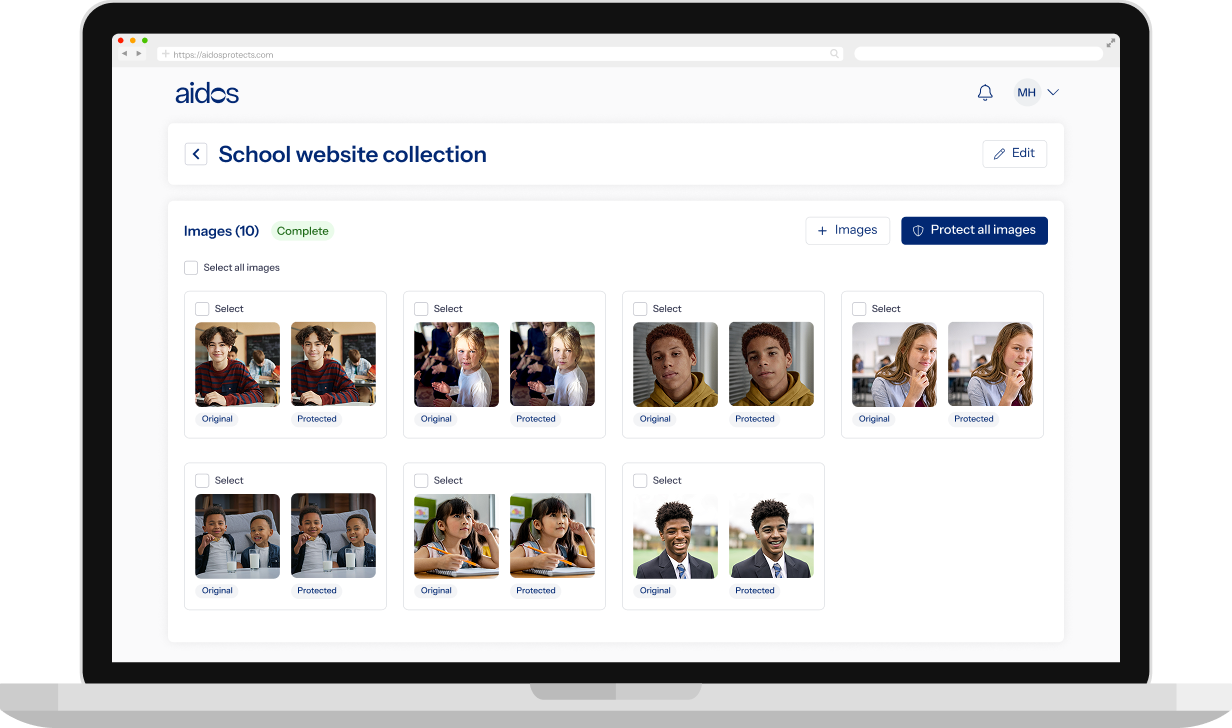

Aidos helps you keep school images safe with simple, invisible protection.
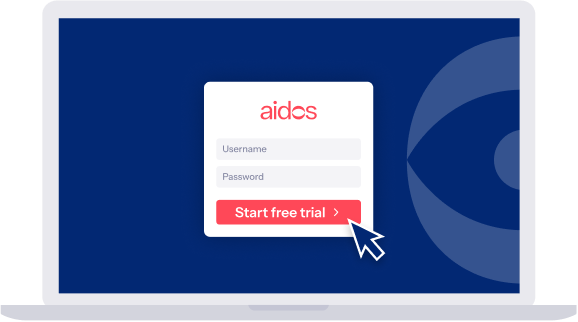
Start your free trial
Start with 15 free images today. See how effortlessly Aidos anonymises photos to keep students safe while preserving natural, authentic school photography.